3D Excavator Guidance System
Guidance for comparing bucket position with a target surface during excavation work.
View Product
About nonnav
nonnav focuses on GNSS positioning and excavator guidance that helps field teams work from a shared reference.

Our focus is the connection between position, machine geometry, design data and the operator's view.
GNSS equipment provides a reference for a configured guidance workflow.
Machine measurements and calibration relate the boom, stick and bucket to the working point.
An in-cab display helps the operator compare the current position with the intended surface.
Design information and on-site verification remain part of each project's working process.
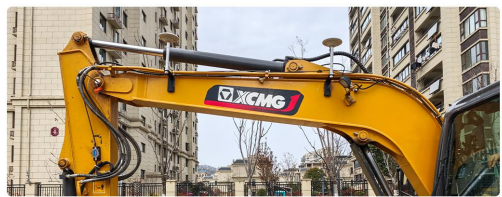
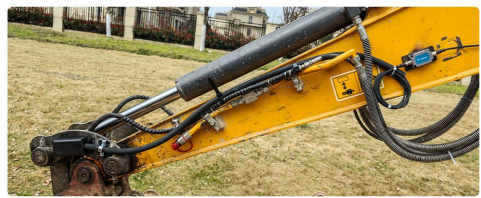
Guidance can help operators reference a planned surface while grading, shaping slopes or excavating trenches. The setup depends on the machine, design files and working conditions.
Start with the product pages, then share your excavator model and project conditions to discuss a suitable configuration.
Guidance for comparing bucket position with a target surface during excavation work.
View ProductA dual-GNSS configuration supporting heading information as part of a calibrated guidance setup.
View ProductA useful discussion starts with the work you need to do and the equipment already on site.
Compare guidance options for grading, excavation and site preparation.
Review product configurations and machine fit for customer inquiries.
Connect design reference and field checks with the operator's workflow.
Discuss installation, calibration and project requirements before deployment.
nonnav guidance is presented as operator assistance, not automatic hydraulic control, remote operation or unmanned construction.
Results depend on correction data, installation, calibration, machine condition, site environment, design files and appropriate field verification. Confirm the specification and deployment scope for the configuration you choose.
Include your country, excavator make and model, typical application, estimated quantity and target schedule in the message field.