See excavator guidance in action.
A clearer reference for every pass. See how bucket position and a target surface come together in the operator’s view.
Choose a scenario and press Play to explore the guidance workflow. Illustrative simulation; not a measurement or machine-control tool.
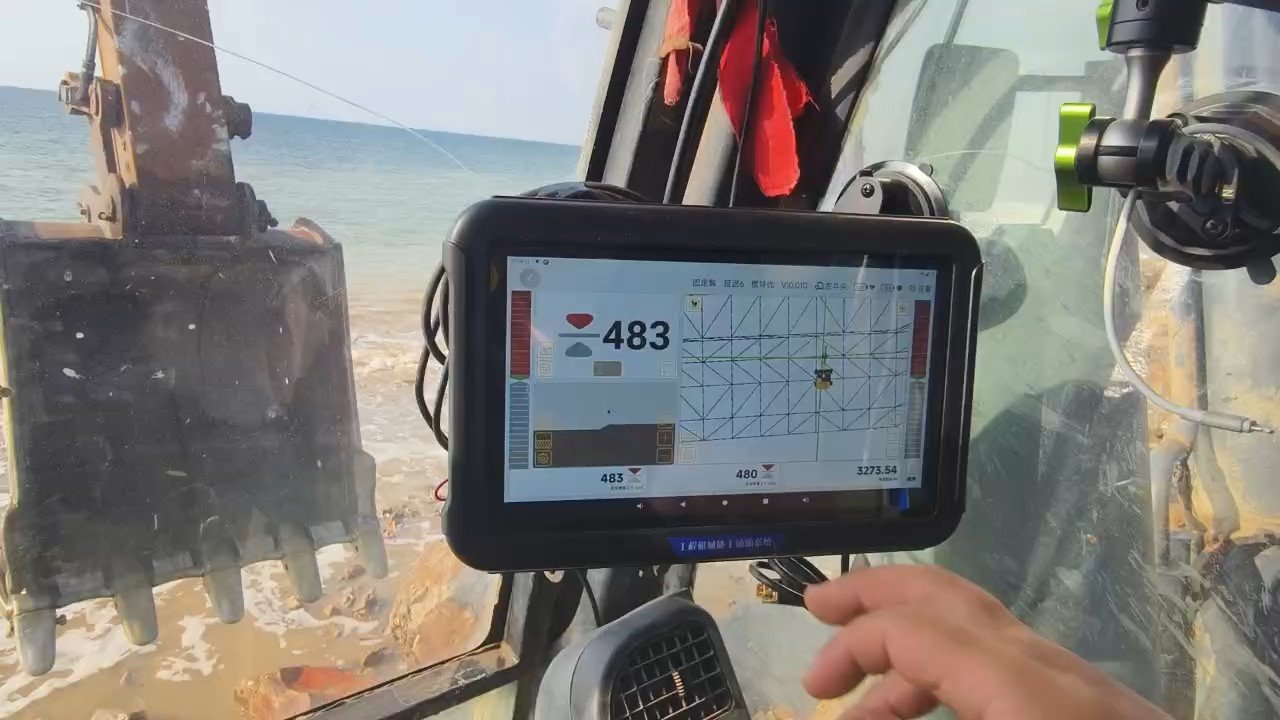
Lower the bucket, cut in controlled passes, then trim the surface.
From machine position
to the bucket tip.
Positioning, angle sensing and the in-cab display work together to give the operator a reference for the task ahead.
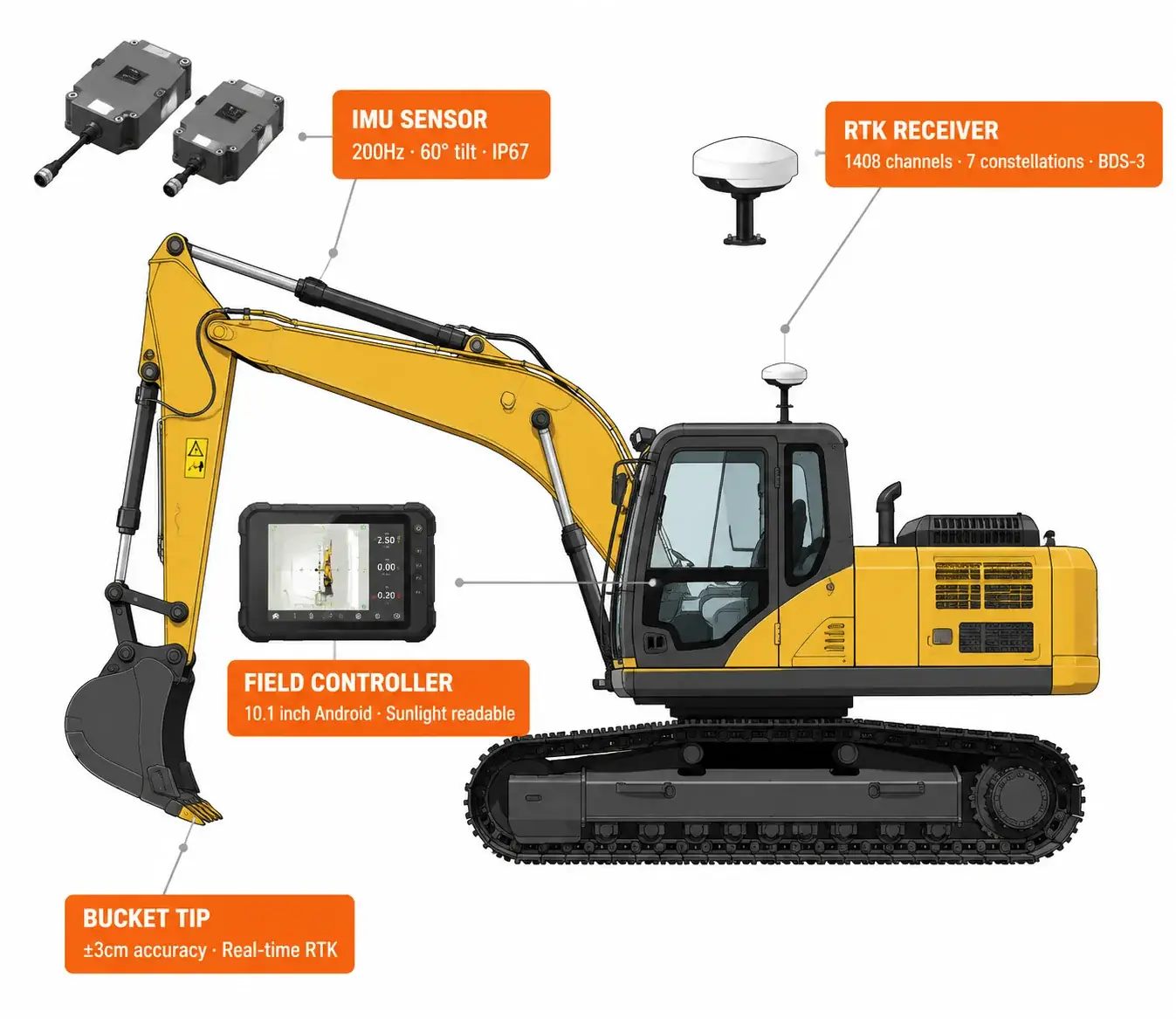
Positioning
GNSS equipment provides a position reference. The appropriate configuration depends on the system and working conditions.
Machine geometry
Sensors and calibrated machine dimensions relate the movement of the boom, stick and bucket to the bucket tip.
Operator guidance
The display helps the operator compare the bucket tip with the target surface and follow the planned grade.
Find your guidance setup.
Explore all products →
3D Excavator Guidance
Explore a system designed to help operators reference the working surface.
View product →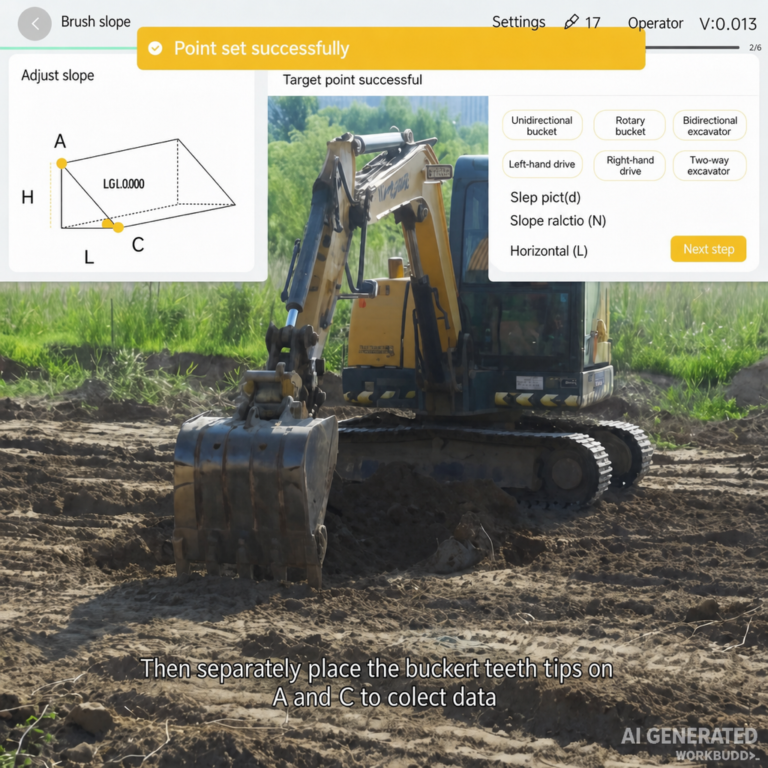
Excavator Grade Control
Explore guidance options for grading and excavation work.
View product →
Smart Guidance Controller
See the controller that brings guidance information into the cab.
View product →One reference.
Different tasks.
Explore the differences between a level surface, a designed slope and a trench in the interactive demonstration.
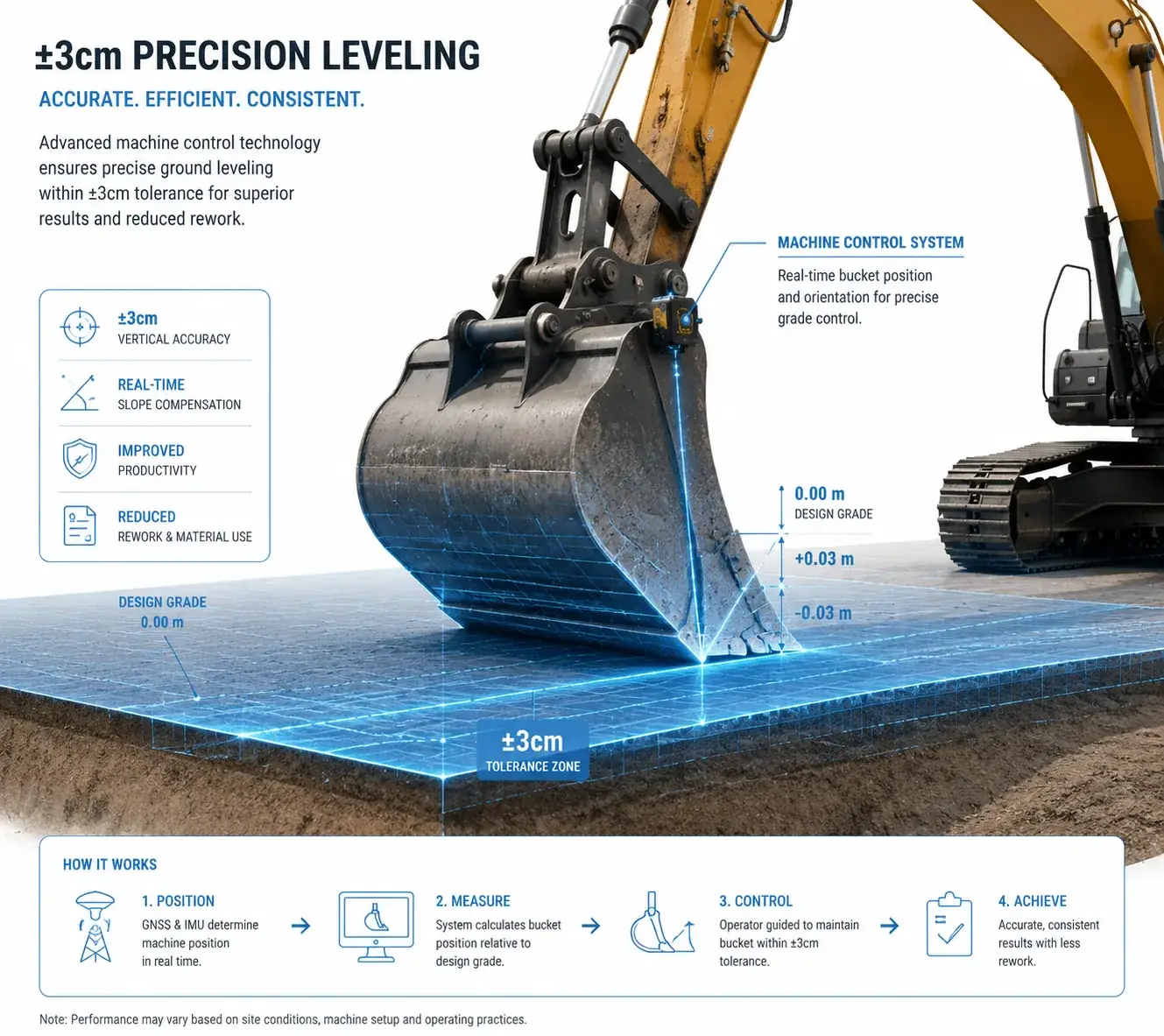
Level grading
Compare the bucket tip with a horizontal target plane.
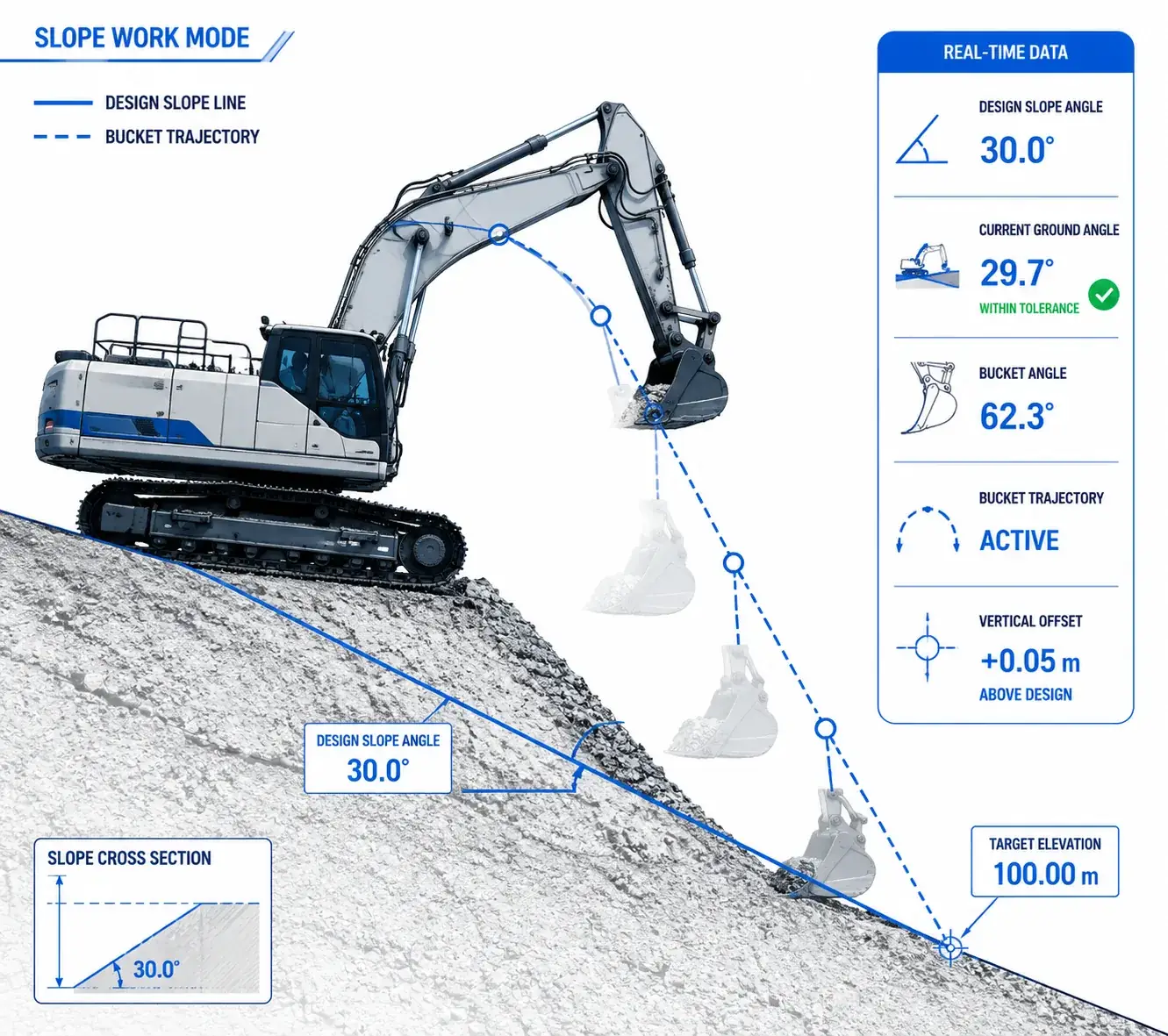
Slope finishing
Follow a sloped design surface and watch the changing tip position.
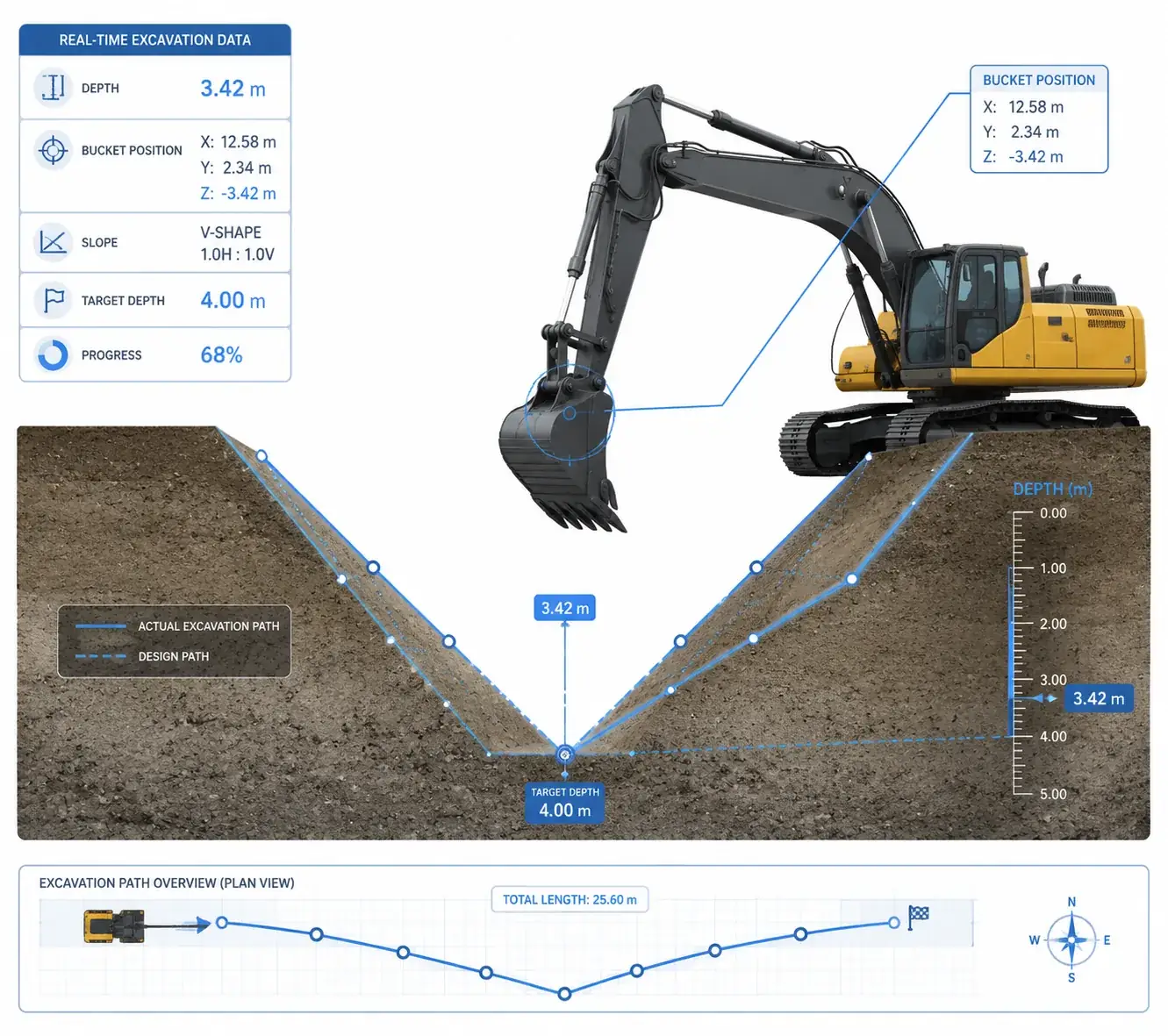
Trench excavation
Observe staged excavation toward the intended trench bottom.
Questions, answered.
What does the demonstration show?
It illustrates how the bucket tip relates to a target surface during different tasks. Its geometry, soil movement and readings are simulated; they are not a product accuracy specification.
Which system suits my excavator?
Share your excavator model, the work you do and your site conditions. The nonnav team can discuss the relevant product options and installation requirements.
Does a guidance system operate the machine?
This demo explains an operator guidance workflow. It does not demonstrate automatic hydraulic control. Check the features of the specific product with the team.
Tell us about
your next job.
Include your excavator model, typical applications and the country where you work so we can discuss a suitable setup.
Contact the team →Or email info@nonnav.com