
Nonnav · Updated August 23, 2026 · Estimated read time: 9 minutes
Key Takeaways
- A grade checker costs $3,000-8,000 per month and slows every task they touch. Wireless excavator guidance replaces that role with an in-cab display.
- The step-by-step workflow in this guide shows how to move from stakes-and-checker digging to wireless guidance in six steps, with no cabled hardware and no permanent modification to the machine.
- Wireless installation takes 20-30 minutes per machine, transfers between machines, and typically pays back in 2-4 months on precision work.
$3-8k/mo
Grade Checker Cost
20-30 min
Wireless Install
2-4 mo
Typical Payback
<3%
Rework Rate
Why the Grade Checker Is the Most Expensive Role on Your Site
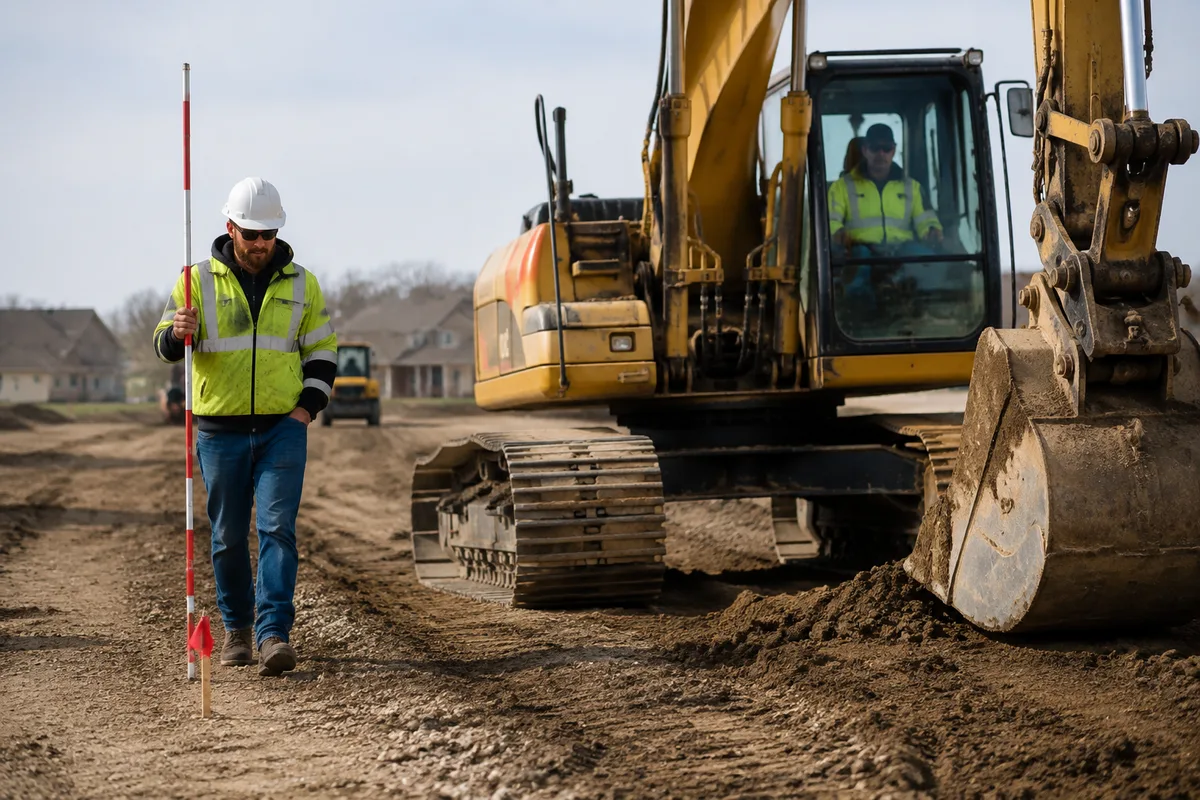
The grade checker walks ahead of the machine, reads stakes, shouts adjustments, and re-checks the surface after every pass. The role looks cheap on paper. A mid-size contractor in the US pays $3,000 to $8,000 per month for a full-time checker, and that is before counting what the role costs in productivity.
The real cost is the slowdown. Every time the machine waits for a reading, that is an hour of machine and operator time at $85 per hour. Every re-check that finds the bucket 4cm too high means another pass over the same ground. On a 40-acre site, the checker becomes the bottleneck that decides how much dirt moves per day.
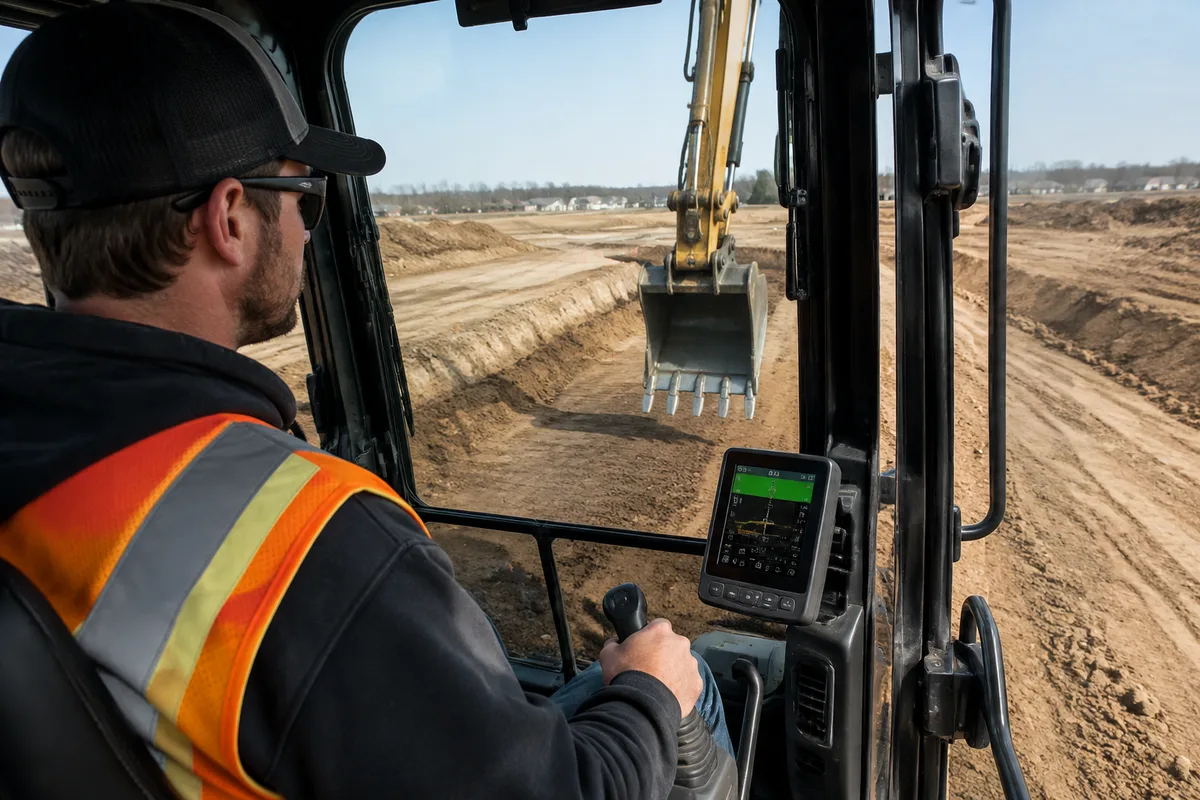
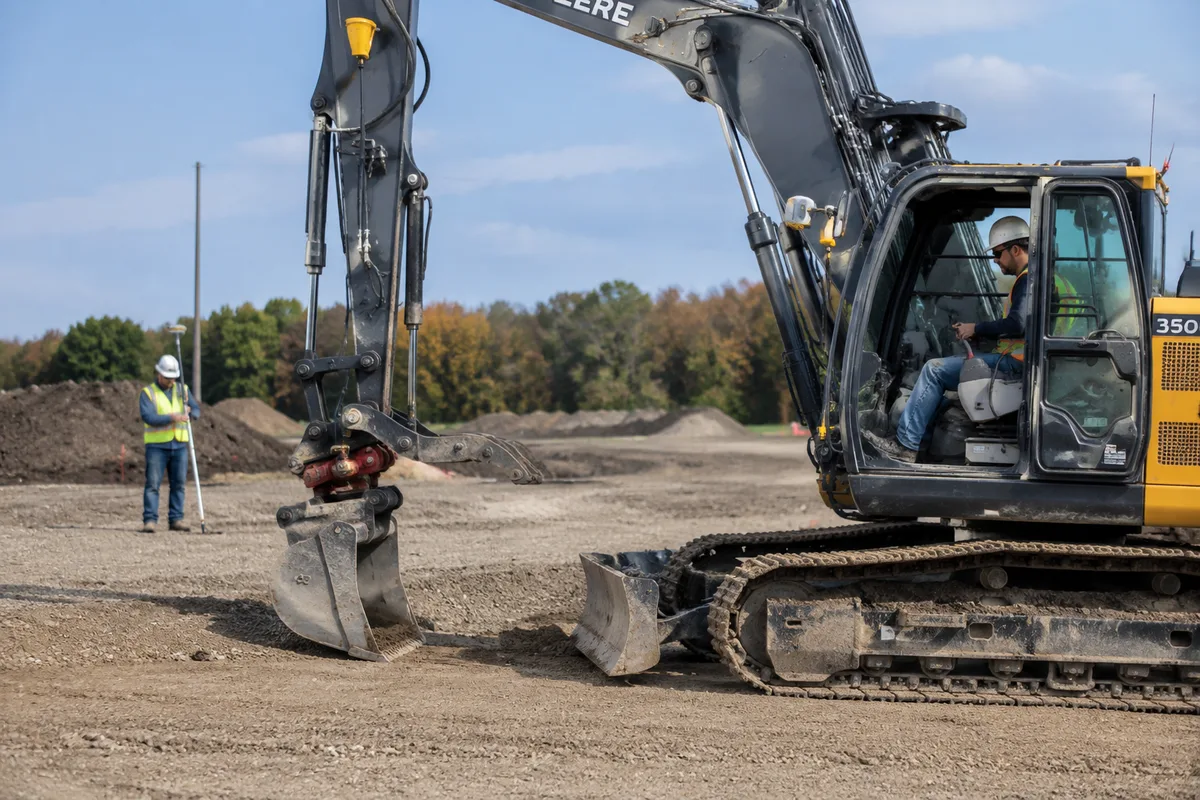
Wireless excavator guidance removes the checker from the equation entirely. The machine carries its own reference. The operator reads the display, not the surveyor.
How Wireless Excavator Guidance Works
Wireless guidance uses the same principle as cabled systems, with one difference: no wires run between the roof antennas and the in-cab display.
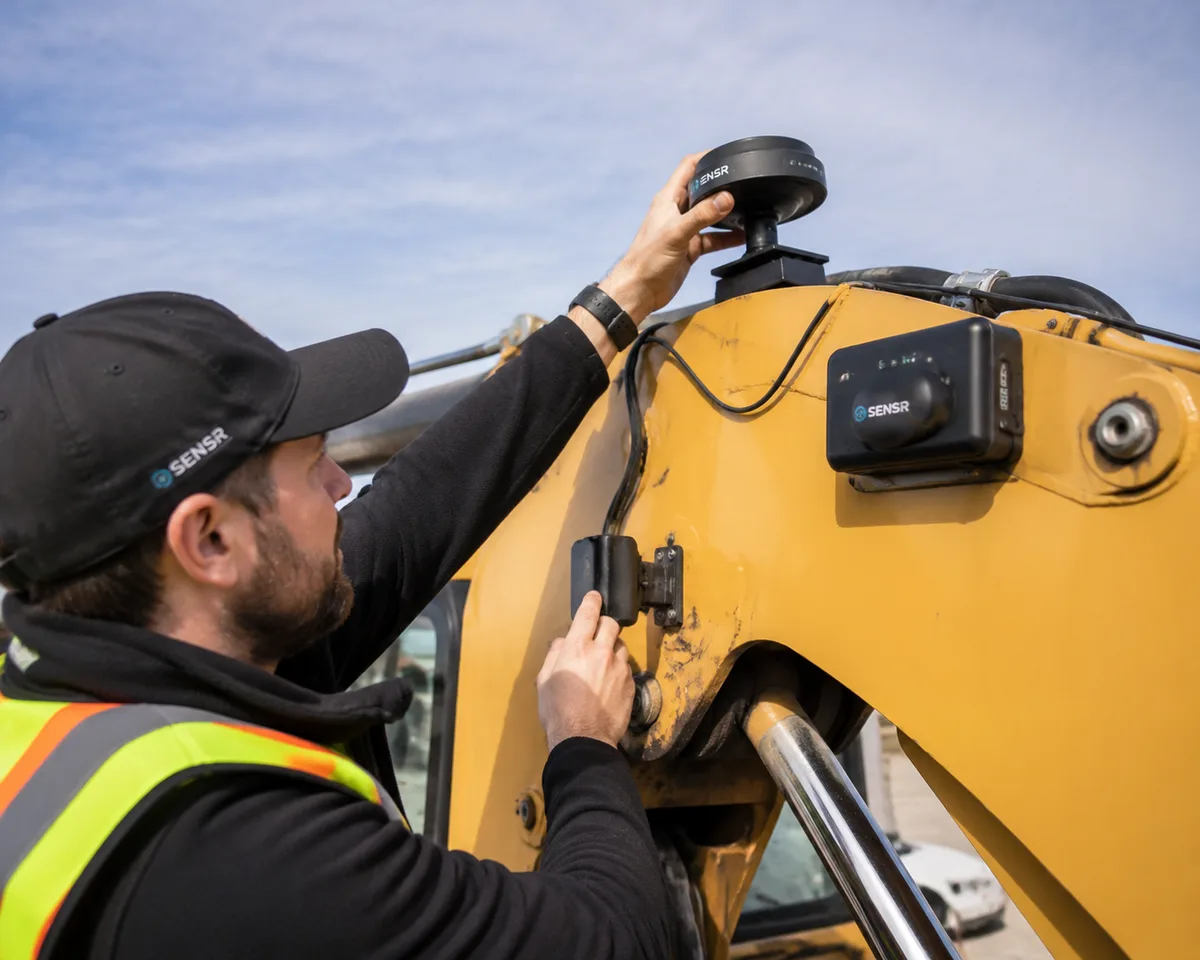
The hardware: GNSS antennas (one or two) mounted on the cab or boom, IMU sensors on the boom, arm, and bucket linkages, a receiver that fuses satellite position with IMU angles, an in-cab display that shows the bucket against the design surface, and a wireless link between the roof unit and the display.
What wireless means for installation: the antennas, sensors, and display pair wirelessly. There is no cabling through the cab roof, no drilling, and no harness routing. The kit goes on in 20-30 minutes and comes off just as fast, which is what makes it viable on rental machines and mixed fleets.
Traditional Grade-Checking vs. Wireless Guidance
| Dimension | Traditional (Stakes + Checker) | Wireless Guidance |
|---|---|---|
| Setup time | 2-4 hours for survey + stakes | 20-30 minutes per machine |
| Grade checking | Continuous (checker follows machine) | Zero (real-time display) |
| Crew | Operator + checker + surveyor | Operator only |
| Accuracy consistency | Operator-dependent, drifts over shift | Consistent ±2-3cm all shift |
| Rework rate | 10-15% of excavated volume | Under 3% of excavated volume |
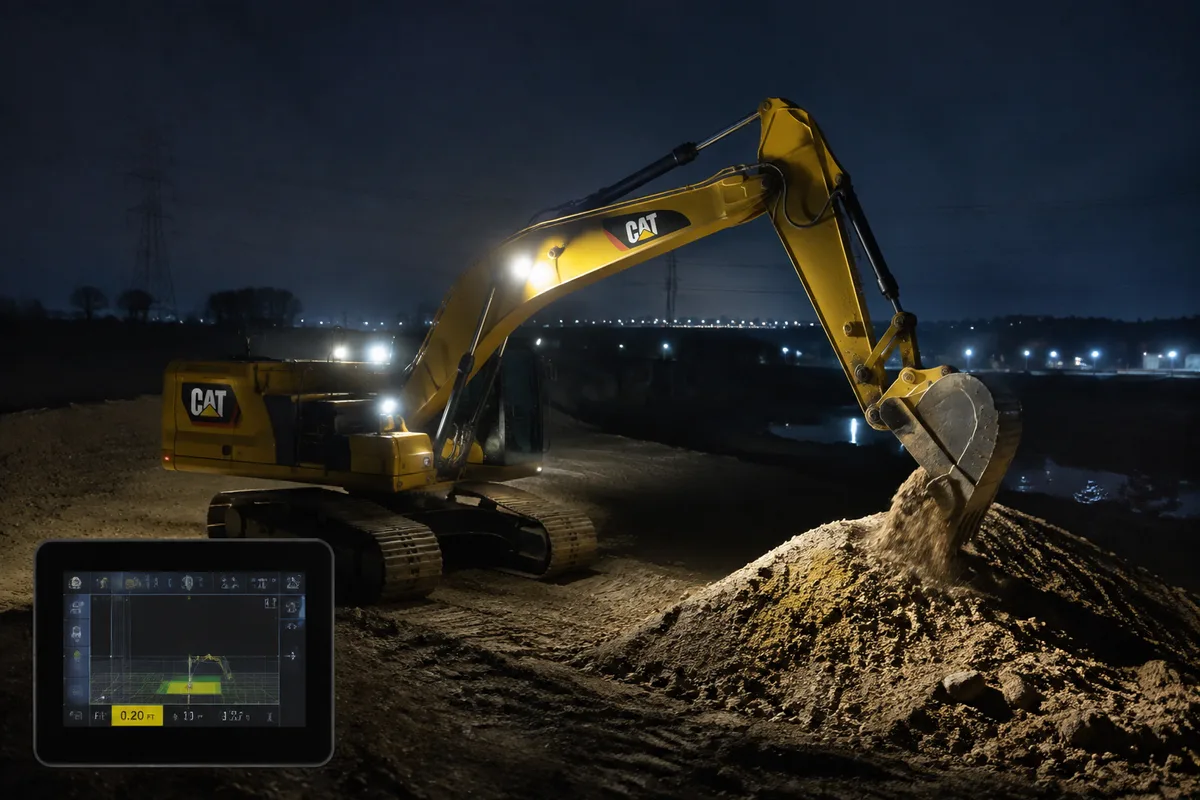
| Night work | Impossible without lighting + checker | Full capability |
| Machine transfer | Cabled systems stay on one machine | Wireless kit moves between machines |
| Monthly cost | $3,000-8,000 checker + survey time | No checker; system pays back in months |
Step-by-Step Workflow: From Stakes to Wireless Guidance
Step 1: Pick the Right Machine. Start with the machine that does the most precision work: final grade, sloping, or trenching. Do not retrofit the whole fleet at once. One machine with guidance, running consistently, proves the payback before you commit the fleet.
Step 2: Load the Design File. The guidance system needs the 3D digital terrain model of the finished surface. Get the DTM from your surveyor or engineer, load it via USB or cloud, and verify it against the site benchmarks before digging.
Step 3: Mount the Wireless Kit. Position the GNSS antennas on the cab roof or boom, attach the IMU sensors to the boom, arm, and bucket linkages, and mount the display in the cab. With a wireless kit, this takes 20-30 minutes. No cabling, no drilling, no harness routing.
Step 4: Calibrate. Enter the boom, arm, and bucket dimensions into the system. Perform a full 360-degree swing calibration so the system learns the machine geometry. Then dig three test trenches and survey them to confirm the in-cab reading matches the ground truth.
Step 5: Run a Checker-Free Shift. Let the operator work a full shift without a checker. The operator reads the display, which shows cut/fill in real time with color coding: red means above grade, green means at grade, blue means below. Survey the test area at the end of the shift. If deviation is within tolerance, the checker’s job is done.
Step 6: Watch the Payback. Track machine hours, rework volume, and any remaining grade-checking time. With a 30% productivity gain and the checker eliminated, the typical payback is 2-4 months on precision work. If the machine runs guidance less than 60% of its operating hours, the payback stretches past a year, so keep guidance on the machines that earn it.
KEY DATA POINT
Eliminating the checker also eliminates the productivity tax: at $85/hour for machine and operator, every reading the machine waits on is money the guidance display earns back the same hour.
NOT SUITABLE WHEN
One-off tiny digs, machines older than 15 years without hydraulic auxiliary ports, or sites where the design changes hourly without model updates. There the installation and calibration effort outweigh the savings.
How to Get the Most Out of Wireless Guidance
Keep the display where the operator can read it. Position matters. A display mounted at the wrong angle gets ignored after day one.
Trust the numbers over muscle memory. The hardest adjustment for experienced operators is believing a 3cm reading over years of “feel.” Green means at grade. Believe it.
Watch the RTK fix quality. Lost correction data, from tree cover or deep cuts, is the number one cause of silent accuracy loss. Operators need to know how to spot the fix-quality indicator and stop precision work until it recovers.
Recalibrate after hard days. Digging rock and rough handling knock IMU sensors out of alignment. A quick calibration check at the start of each shift catches drift before it costs rework.
Use the wireless transfer. The point of wireless is that one kit serves several machines. Move it to whichever machine is doing precision work that day, not just the one that always has it.
Decision Engine: If X → Choose Y
If you run 160+ machine hours per month on precision work → wireless guidance replaces the checker and pays back in 2-4 months. Adopt now.
If you rent machines or switch jobsites often → choose a wireless kit that transfers between machines; a cabled system locks you to one machine.
If your machine runs guidance less than 60% of its operating hours → the payback stretches past a year. Keep the checker for now and revisit the math later.
If you are a mixed-fleet contractor → put the wireless kit on the precision machine during the day and move it to the bulk machine at night; one kit covers both.
If your work is confined or under tree cover where satellites disappear → wireless GNSS alone will not hold accuracy; pair it with a local base station or consider total station guidance.
How to Verify the Workflow Is Working
- Survey the test section at the end of week one. Compare the as-built surface against the design. Under 3cm deviation across the section is the pass mark.
- Track rework by week. Rework should drop by half in the first month as operators gain trust in the display.
- Measure hours per task. A task that took 8 hours with a checker should take 5-6 with guidance.
- Ask the operator for honest feedback. If they are ignoring the display, the problem is placement or trust, not the technology.
Conclusion
The grade checker is the most expensive role on a precision earthworks site, not because of the salary, but because every reading slows the machine. Wireless excavator guidance removes the role, the stakes, and the rework in one change, with a kit that installs in 20-30 minutes and transfers between machines.
The workflow is six steps: pick the machine, load the design, mount the wireless kit, calibrate, run a checker-free shift, and watch the payback. Most contractors see it pay back in 2-4 months.
If You Only Remember One Thing
Wireless excavator guidance eliminates the grade checker with a kit that installs in 20-30 minutes and transfers between machines. Pick one precision machine, load the design file, calibrate, and let the display replace the checker. Payback typically lands in 2-4 months.
Get a Custom Quote
Tell us your fleet size and the job types you run, and we will send pricing for the wireless kit that fits your contract tolerances.
Frequently Asked Questions
References & External Resources
Industry research on machine control technology impact on earthwork productivity
Manufacturer documentation on machine control technology
GNSS manufacturer perspective on system selection
Machine control manufacturer product documentation
Practical contractor guide to machine control adoption
Operator training provider guide to guidance systems